Beyond the Flat Preview: How to Use Premium Mockups to Sell Your Art Merch

July 10, 2026

Share this article

So, you’ve taken the plunge. You read our guide on launching a print-on-demand store, connected your products, and your online shop is officially live. Your website looks clean, your art is incredible, and you’re ready to share it with the world.


But then you look at your product pages.


The default preview image provided by your printing partner is a flat, clinical digital file slapped onto a harsh white canvas. It looks less like a premium piece of art and more like a standard corporate catalog item. It clashes with your carefully curated brand identity, and worst of all, it doesn’t do your hard work justice.


If you want collectors to treat your art merchandise like a premium product, you have to present it like one. Here is how to use high-end digital mockups to bridge the gap between a digital file and a luxury physical product.


The Psychology of "Perceived Value"

Before a collector hits the "Add to Cart" button, they perform a split-second mental calculation on the value of your item.


  • A high-resolution JPEG of your new zine or art book displayed as a flat thumbnail feels like a digital product. The psychological ceiling for what someone wants to pay is relatively low.


  • That exact same artwork placed onto a realistic, art-directed mockup—like a softcover book resting on a minimalist leather chair with natural sunlight streaming across the page—instantly transforms into a high-end coffee table book.

Presentation dictates your price point. When you invest time into styling your digital shop, you elevate the perceived value of your merchandise, allowing you to command prices that respect your creative labor.


Choosing the Right Mockup for Your Brand Aesthetic

When selecting mockups from premium design libraries like WANNATHIS.ONE, look for environments that feel authentic to your artistic style. Avoid overly crowded backgrounds and focus on minimalist, high-end compositions:


  • The Contemporary Interior: Placing an art book or a zine on a plush armchair, a cozy couch cushion, or a sleek metal side table gives the viewer context. It helps them visualize the item in their own living space.
  • The Editorial Flat Lay: Multi-item compositions on organic, textured surfaces (like raw concrete, linen, or brushed steel) are perfect for showcasing a whole collection at once—like a stationery set or a multi-page editorial layout.
  • The Human Touch: A close-up mockup of hands holding an open book or turning a page adds an immediate layer of warmth and tangibility that standard product renders completely miss.


Hey Creator, quick side note:


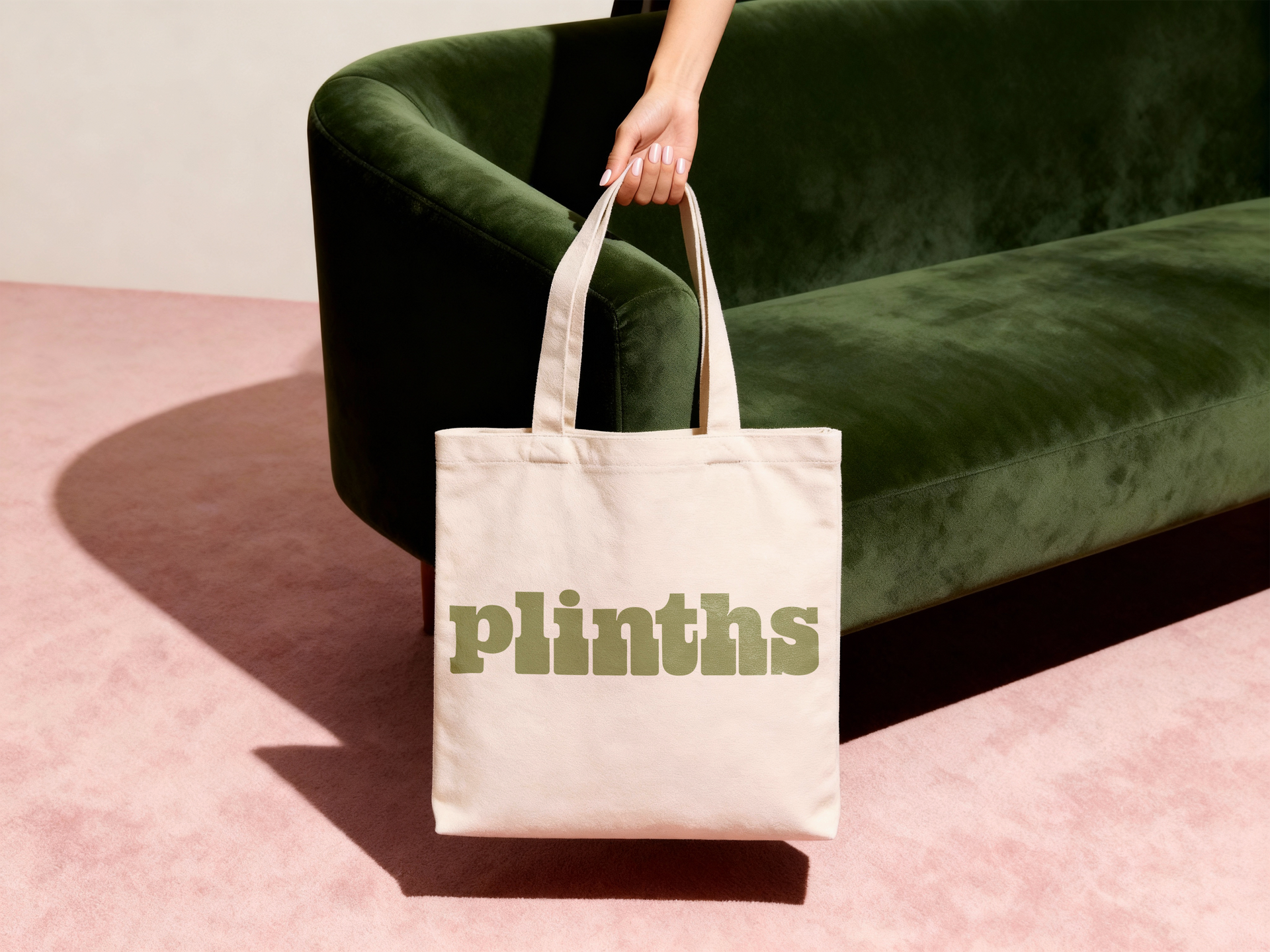
We don't just write about art presentation—we build the infrastructure for it. Plinths is a website platform designed specifically for artists, tattooists, and makers. We build your site in 14 days, handle the tech, and never take a commission on your sales.

3 Golden Rules for Flawless Digital Placements

To make your digital mockups look flawlessly real instead of "pasted on," keep these quick design principles in mind when editing your files in Photoshop or Figma:


  1. Let the Texture Bleed Through: When dropping your artwork onto a mockup page or canvas, don't leave the layer blending mode on "Normal." Switch it to Multiply or Linear Burn, and slightly tweak the opacity. This allows the natural shadows, paper grain, and fabric textures of the mockup file to show through your art, making it look genuinely printed.
  2. Keep Scaling Accurate: Resist the urge to blow your artwork up to the absolute edges of a product if that’s not how it will look in reality. If your printed book has a half-inch margin, reflect that margin perfectly in your mockup.
  3. Coordinate the Color Palette: Choose mockups with background tones that complement your artwork. If your art features warm, earthy tones, a mockup set in a space with soft wood and beige textiles will feel harmonious. If your art is vibrant and hyper-modern, look for industrial, high-contrast backdrops like brushed aluminum or concrete.
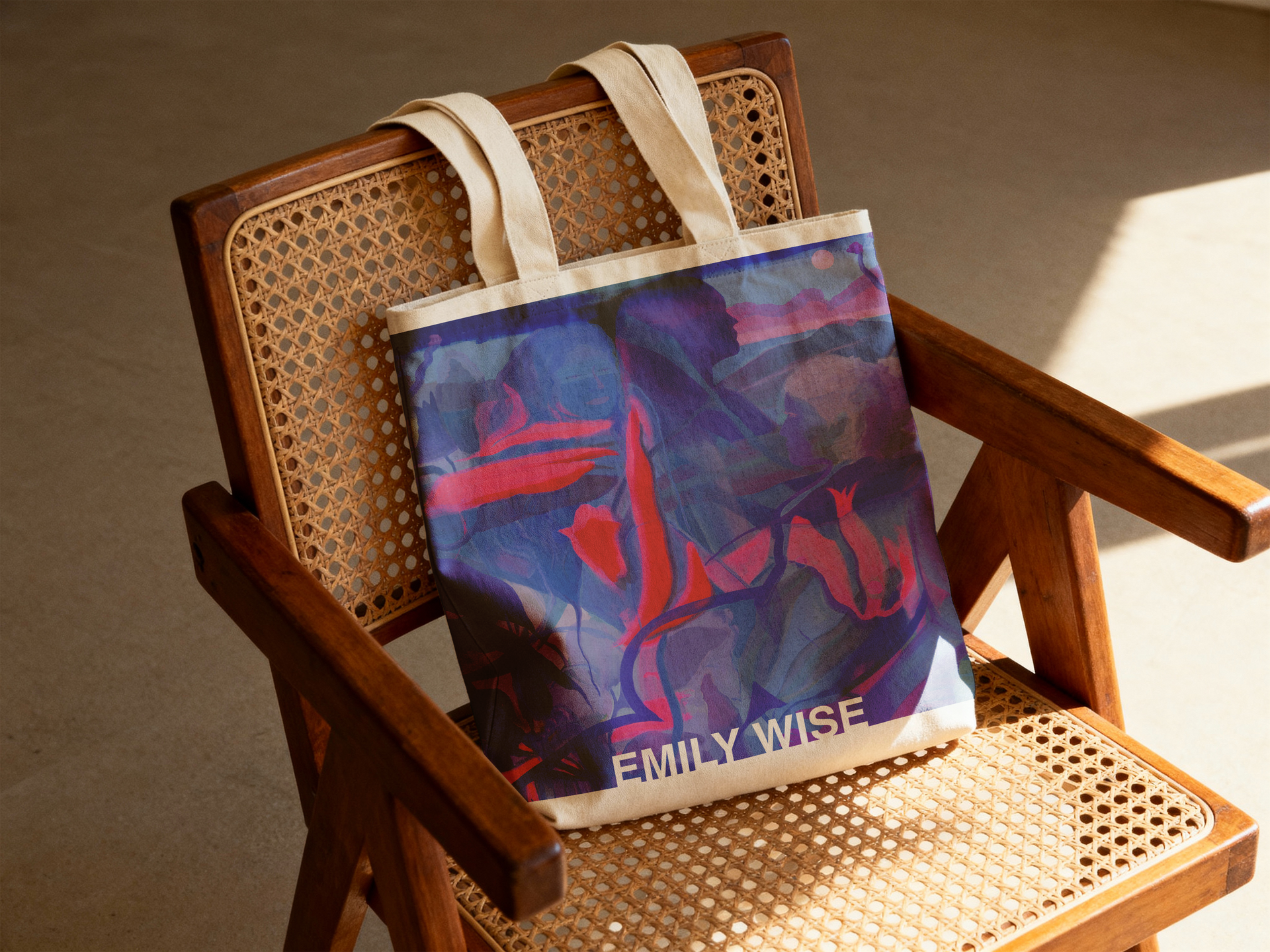
Art by Emily Wise. Blue-red tote bag on a woven wooden chair with a beige cushion, in warm indoor light

Where to Show Off Your New Visuals on Plinths

Don't hide these beautiful lifestyle mockups away on individual product utility pages. Use them dynamically across your entire website:


  • The Shop Hero Image: Welcome visitors to your storefront with a massive, stunning lifestyle mockup at the top of the page to establish the mood of your collection.
  • A Digital Lookbook: Create a dedicated page on your portfolio layout that reads like a high-fashion lookbook, giving collectors an immersive visual tour of your merchandise.
  • Cohesive Social Content: Use the exact same premium mockup styles on your Instagram grid and TikTok videos so that your social media presence matches your website design seamlessly.


Elevate the Art, Respect the Craft

Your art merchandise isn't just an afterthought—it's a physical extension of your creative studio. Taking an extra few minutes to style your products using premium mockup environments shows your audience that you care deeply about every single detail.


Take a look at your current online storefront today. Are those flat previews doing your work justice? Swap out just one or two of them this week for a premium, sunlit mockup and watch how it completely shifts the energy of your digital gallery.

Ready for an online gallery that actually does your work justice?


Let us handle the design, the tech, and the setup so you can get back to creating. And if you’re currently locked into a contract with another website builder, don't worry—our BuyBack Program will credit your unused time so you don't have to pay double hosting fees.

Recent Posts

July 7, 2026
Defining Your Artist Identity (Beyond the Color Palette)
June 25, 2026
Meet the Artist: From Scotland to Seattle
An artist's digital portfolio displayed on a tablet next to creative tools.
May 13, 2026
Discover the best portfolio websites for artists to showcase and sell art online.

Person holding a fluffy gray microphone close to their mouth, with subtitles visible at the bottom.
April 23, 2026
Watch Part 2 of our ASMR Artist Affirmation series. Explore the psychological journey of the "quiet" phases in an artist's career and how to keep going.
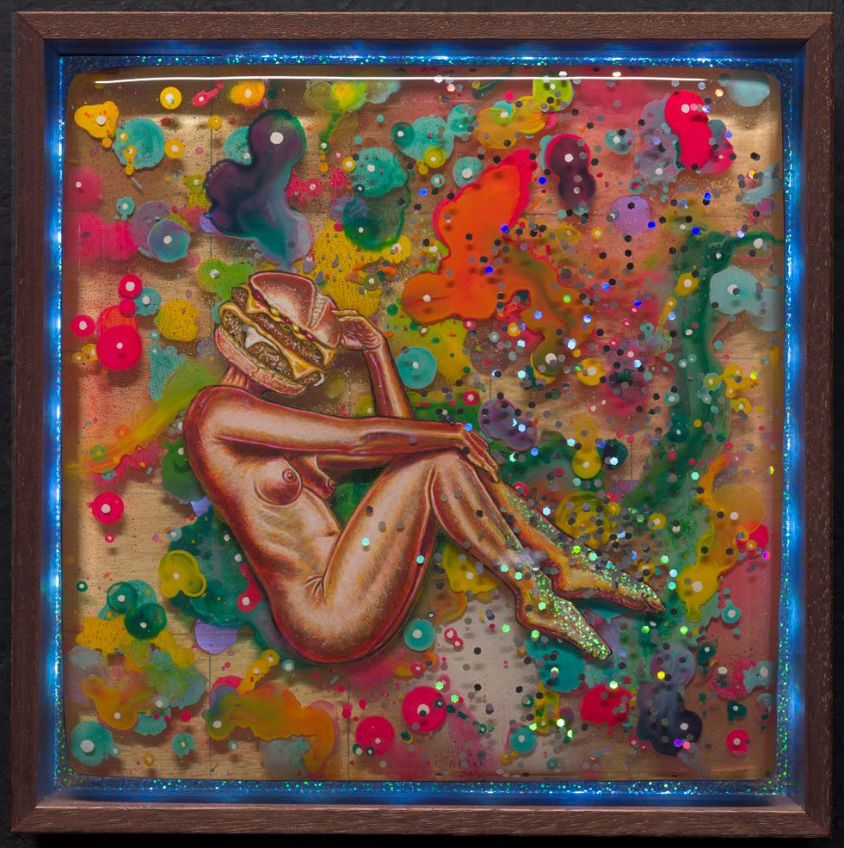
A ceramic beckoning cat figurine with a stack of hamburgers for a head, set against a dark background.
April 15, 2026
Tired of the tech grind? Turn your artist website into a digital gallery that works for you with 3 essential tips for streamlining your creative business.
Yale Wolf in a denim jacket and glasses smiles inside a gallery space filled with glowing neon art and wall lights.
March 27, 2026
Compare digital & physical artist portfolios. Learn how to present your work effectively and connect with your audience.
A desk setup featuring a desktop monitor, a laptop, and a smartphone displaying portfolio websites, with a desk lamp nearby.
March 26, 2026
Create mobile-friendly artist websites that boost sales. Get expert tips for design & e-commerce features today!
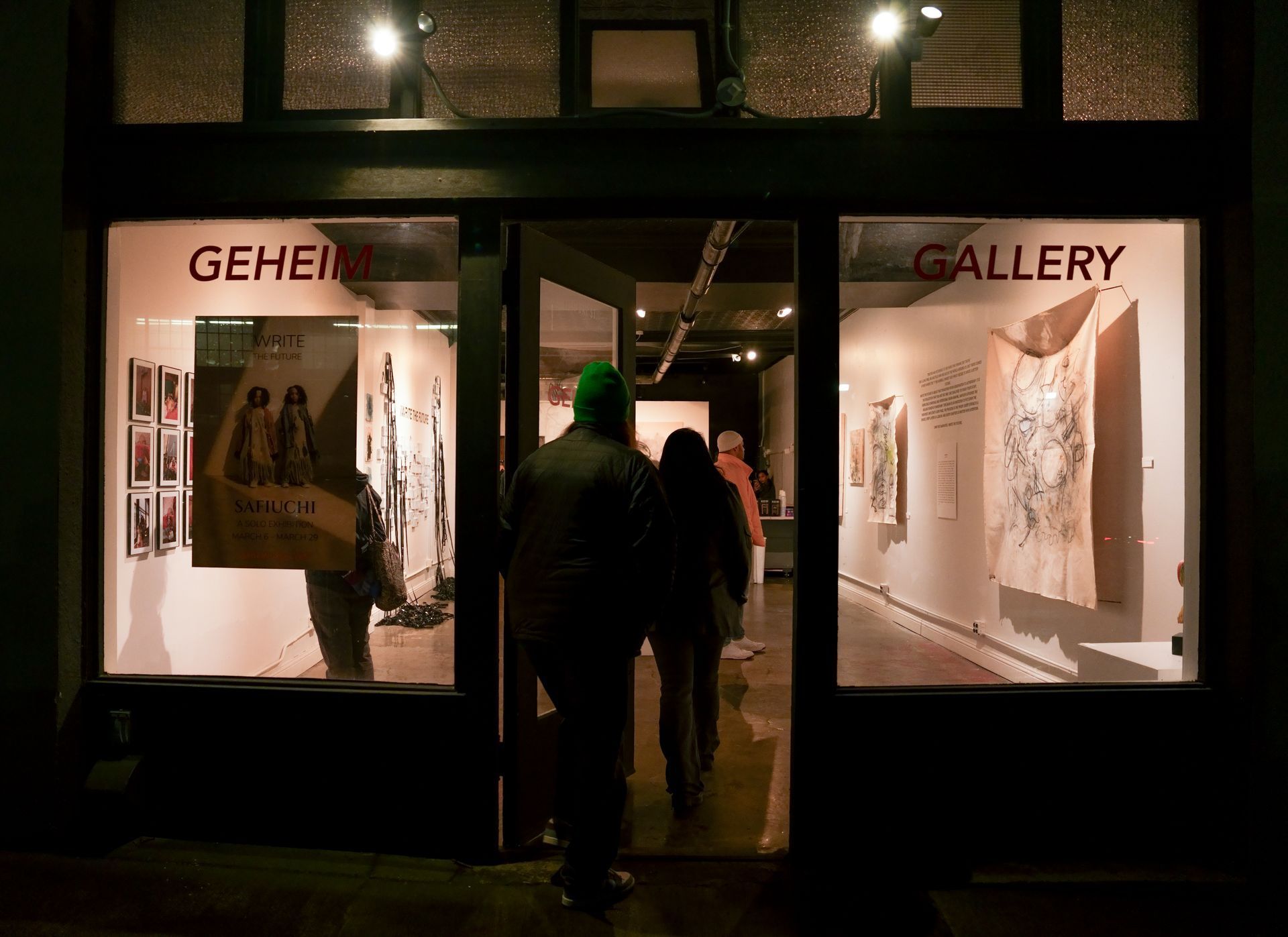
Two people walk through the open door of an art gallery titled
March 24, 2026
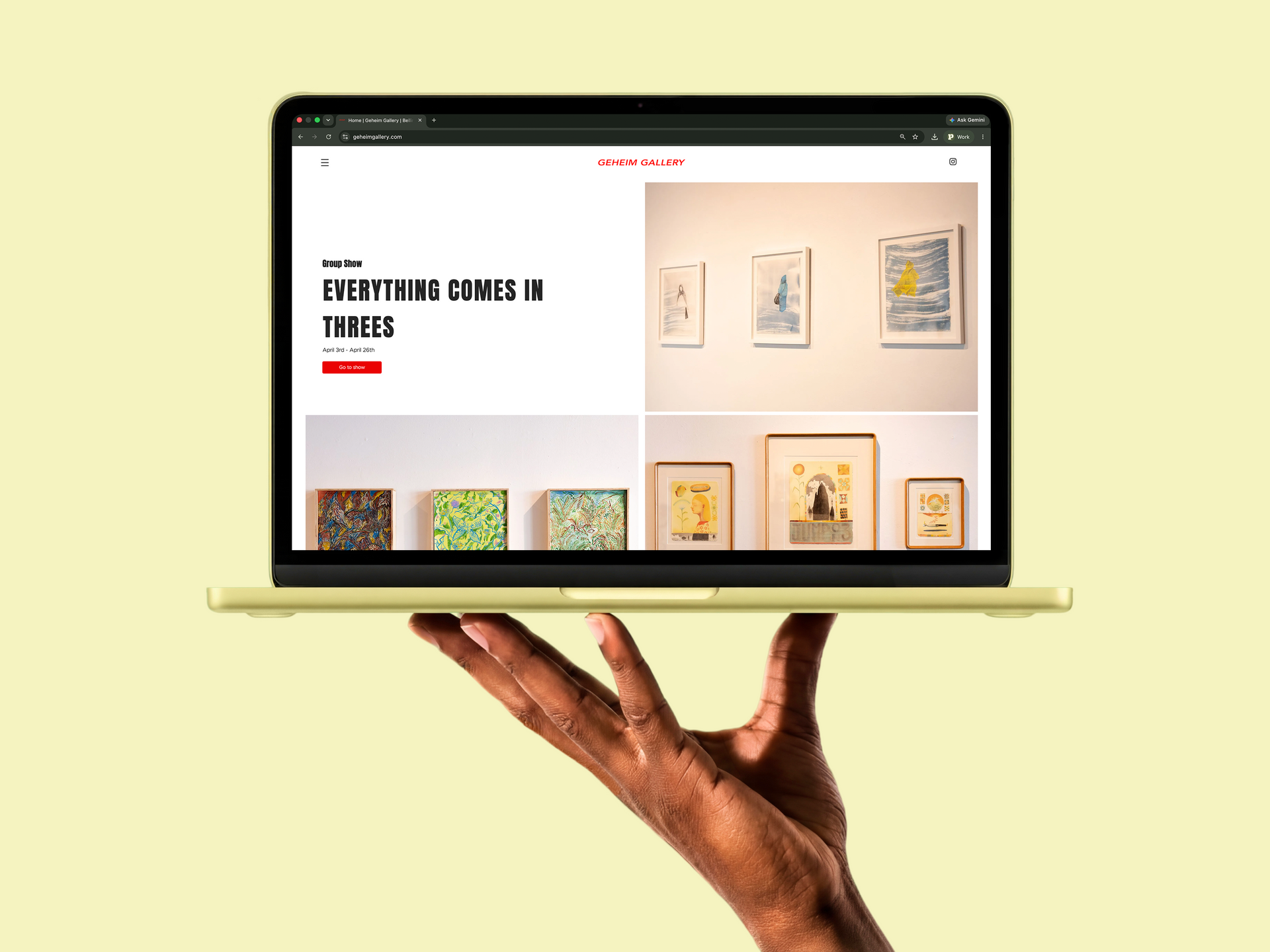
Plinths partners with Geheim Gallery to enhance artists' online presence. Get started today to showcase your work effectively!
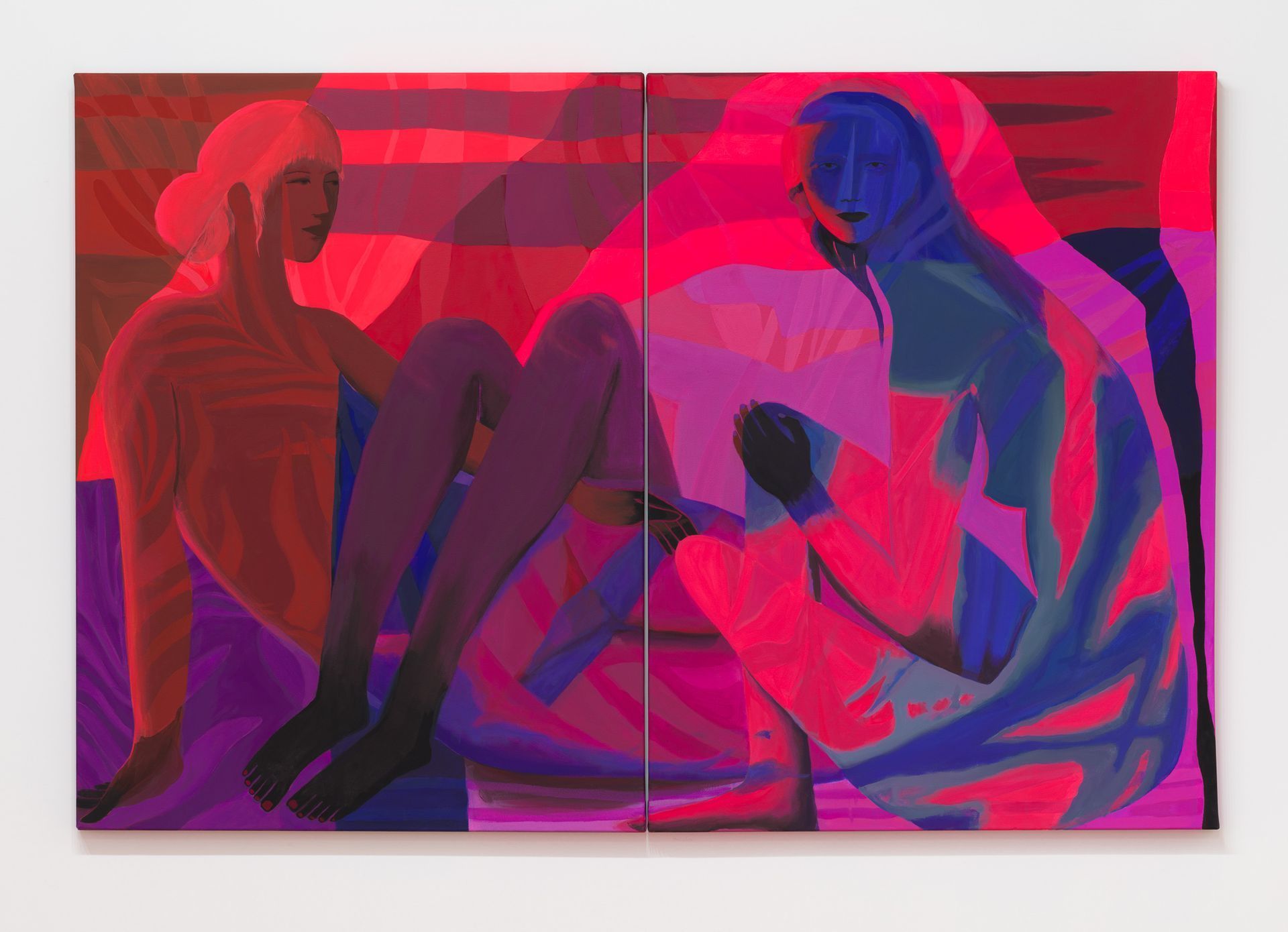
Two figures sit against a vibrant red background in this diptych, rendered in bold, abstract patterns of pink and blue.
March 24, 2026
Explore the challenges artists face & the power of self-affirmation. Join Plinths for tools to support your creative growth.

Show More